 Projekt
settings - Connections Projekt
settings - Connections
Projekt
settings - Connections Projekt
settings - Connections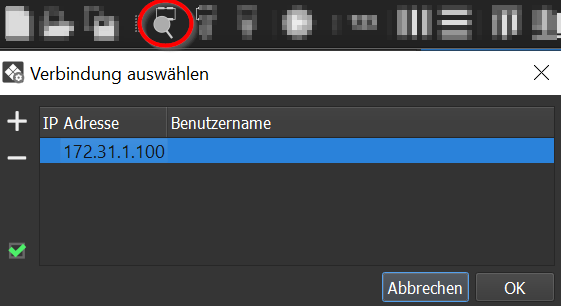
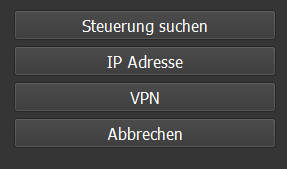
| Click on "Search
control". |
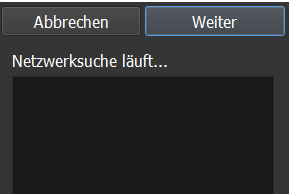
All controls
available in the network are listed, select a control off to click on Next. |
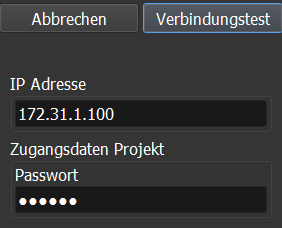
The data of the
selected controller are listet in the fields. Click on Connection test |
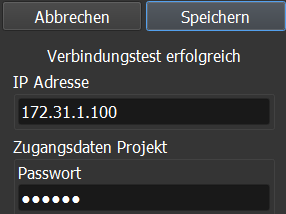
If the connection
was successful, click on Save. |
 |
 |
 |
 |
Besides searching for the controller, the wizard also offers the connection types IP address, VPN and Demo. A detailed step-by-step description of all connection types can be found under APP - Setting up a connection – the connection wizard is identical in the APP and in the Studio.
Important: The controller can always be reached under the IP address 172.31.1.100. If the controller is set to DHCP and no DHCP server is available, a static IP address must always be set. Otherwise, there will be interruptions when connecting via 172.31.1.100 because the DHCP client will be restarted cyclically as long as no IP has been assigned via DHCP.