Controller Server
PC
Controller Server
PC
| The Server PC is a more powerful
variant of the standard controller for large projects with more than
4000 addresses. It is a fanless industrial PC. |
Commissioning
By default, the PC is delivered with the network setting DHCP. If a DHCP
server is present in the network, it automatically receives an IP address and
is found automatically by the programming software.
Alternatively, the controller has a second static IP address via which the
controller can also be reached if no DHCP server is present in the network.
The IP address is "172.31.1.100"; to connect to the controller, you must
assign the PC an IP address from the same range, for example 172.31.1.200.
Please note that if the controller is set to DHCP, a DHCP server must also be
present in the network. The second static IP address is only used for
configuration and not for continuous operation; if no DHCP server is
available, DHCP must therefore always be switched off.
Tip: To reset the IP address and the project, the PC can be
started with a USB stick on which there is a file named
"779f-b501-0d24-414d-8233-0785-33fb-a9ee.txt"
If the controller detects a USB stick with this file, the IP address and
project are reset, the file is deleted and it is automatically restarted.
Web interface
The controller has a web interface in which various settings can be made
without having to use the programming software. For example, the IP address
can be set via the web interface with a browser, so that even technicians not
familiar with the controller can make changes when the network changes.
If you use the static IP address, enter 172.31.1.100 in the browser; the
user name and password are then requested, the user name is "admin" and the
password "z-server", each without quotation marks. After entering the access
data, the main menu is displayed.
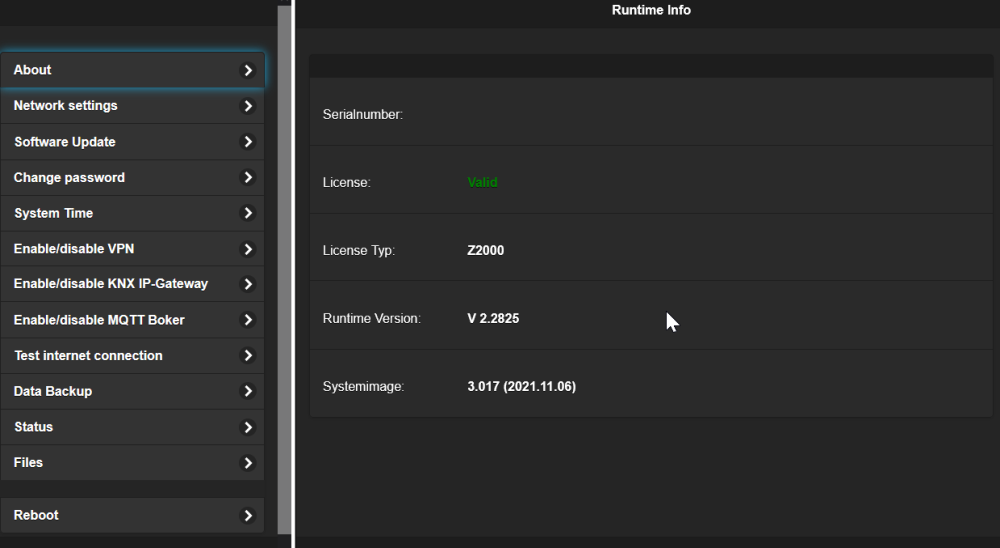
Runtime Info
On the Runtime Info page, general information about the controller is
displayed.
Serialnumber
|
The serial number is used for the
unique identification of the controller. This is not the same serial
number that is printed on the controller. This number is a so-called
GUID; since this number is also used for service access, it is
generated separately for each controller and cannot be guessed by
counting up.
|
Runtime License
|
If the controller is licensed,
License OK is displayed here.
|
Runtime
|
Version of the runtime
|
System Image
|
Version of the system image
|
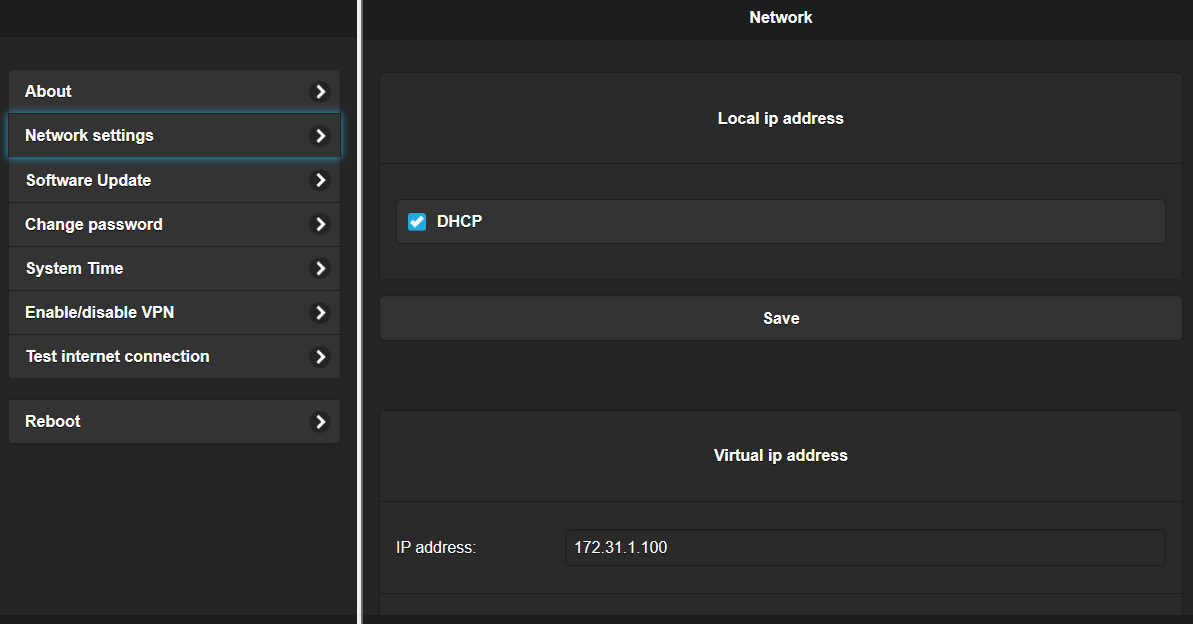
Network settings
On this page the network settings are managed
Local IP Address
DHCP
|
Switch between static IP address and
DHCP.
|
IP Address
|
Static IP address
|
Mask
|
Network mask
|
Gateway
|
Default gateway
|
DNS
|
DNS server
|
Click on "Save" to save the settings. After changing the settings, the
controller must be restarted via the Reboot page.
Virtual IP Address
In addition to the standard network
settings, a virtual static IP address can be specified. If, for example, no
DHCP server is available, the controller can be reached via this IP address.
The IP address is "172.31.1.100". Please note that if the controller is set
to DHCP, a DHCP server must also be present in the network; if no DHCP is
available in the network, DHCP must therefore always be switched off and a
fixed IP address assigned. The IP address "172.31.1.100" must also not
collide with the network; if the network in which the controller is operated
is also "172.31.1.", the virtual IP address should be changed.
| IP
Address |
Static IP address |
| Mask |
Network mask |
| Gateway |
Default gateway. If no gateway is
present for the virtual IP (for example when no VLAN is used), the
field must be left empty; this is also the default setting.
|
Click on "Save" to save the settings. After changing the settings, the
controller must be restarted via the Reboot page.
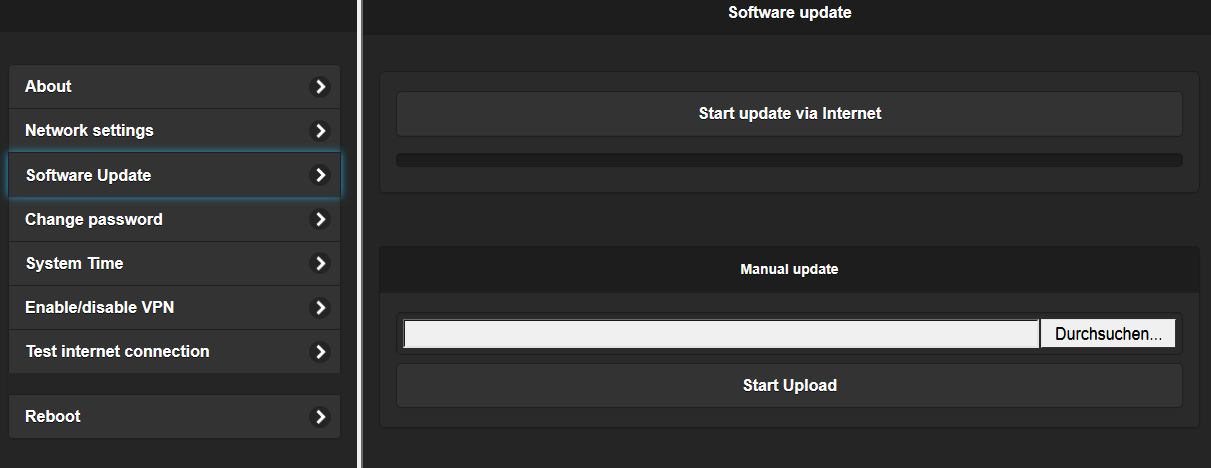
Software Update
On this page a software update of the runtime is carried out.
Start
update
via Internet
|
With this function the update is
started via the Internet. If the controller is connected to the
Internet, the latest version is always loaded via the update server.
The VPN does not have to be active for this.
|
Manual
|
With this function the runtime can be
installed manually, for example if no Internet is available or if you
want to install an older version.
|
Tip:
Only update the controller if there is a reason to do so, for example
bug fixes or new features. If the system runs without problems, there
is no need for an update.
|
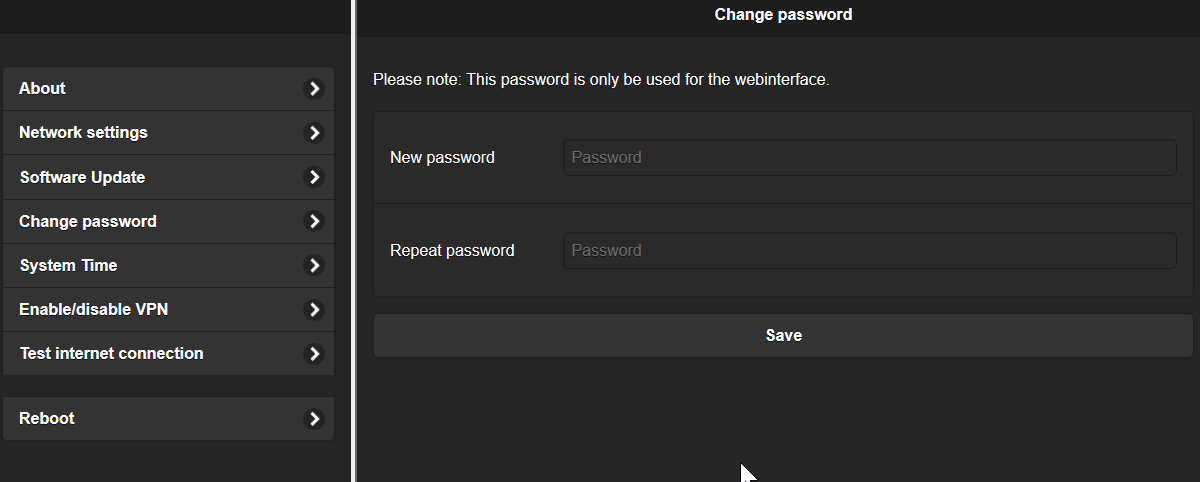
Change Password
On this page the password is changed. Important: Only the password for the
web interface is changed; the password for the project remains unchanged.
System Time
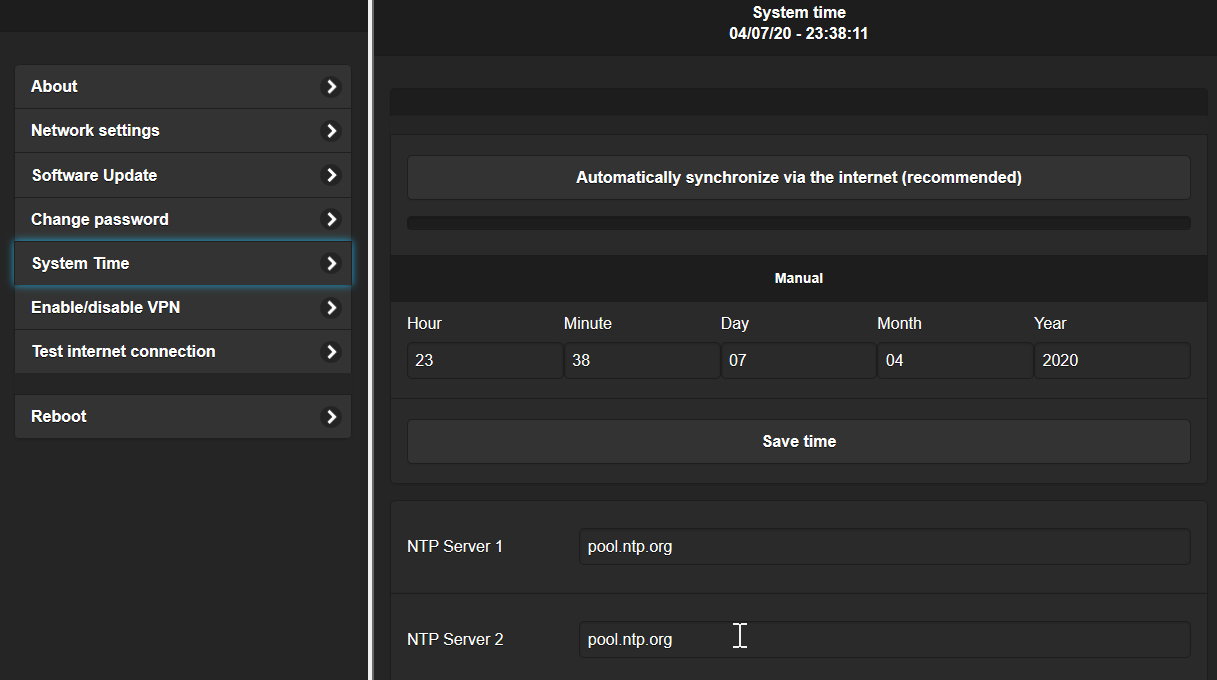
On this page the system time and NTP server are set.
Automatic via Internet
|
With this function the system time is
synchronized via the configured NTP servers.
|
Manual
|
With this function the system time can
be set manually.
|
NTP Server
|
Alternative NTP servers can be set
here.
|
Enable/disable VPN
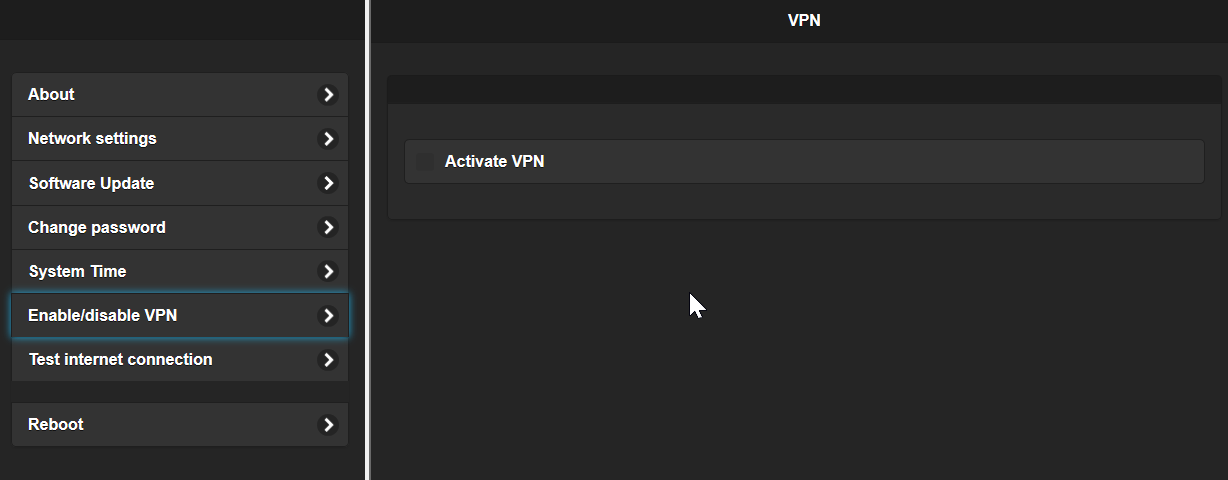
On this page the service VPN is activated / deactivated. With this VPN
service, the controller automatically connects to the manufacturer's server
via a secure VPN connection. Support can access the controller via this
connection. This connection can also be used to connect to the controller
via the APP without DNS. For this, registration with email and password is
required.
In order to use this function, the controller must be able to access the
Internet and VPN connections must not be blocked by a firewall.
Enable
VPN
|
Activate VPN. After activation it may
take some time until the connection has been established; you can
check the status on the "Test Internet connection" page.
|
Tips:
- If you allow external access to the controller, the default
password should be changed.
- If you do not use the service VPN and want to connect from
outside, the use of your own VPN is recommended instead of port
forwarding.
- In principle, there can always be security vulnerabilities with
connections over the Internet, so the VPN should only be
activated when needed, for example for support.
- The VPN internally uses a network address with 10.10x.0.0/16;
this must not collide with the local network.
|
Test Internet connection
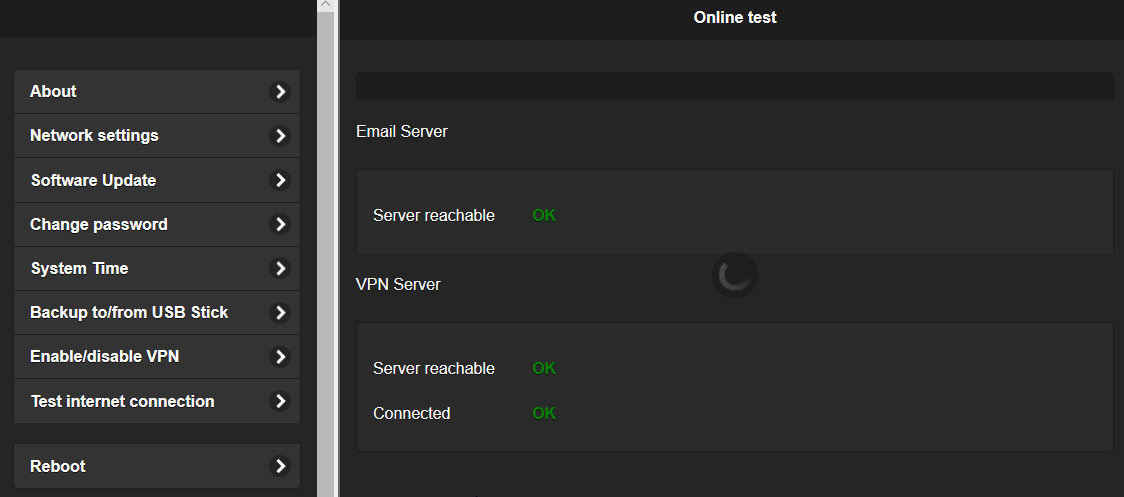
On this page it is checked whether the Internet services used are reachable.
Email
Server
|
Server for sending emails. This test
only tests the manufacturer's server. If an alternative mail server
has been configured, it is not tested.
|
VPN Server
reachable
|
VPN server reachable in principle;
this is the prerequisite for a VPN connection to be established at
all.
|
VPN connected
|
VPN connection successfully
established.
|